AeroAtoms Orbit Nano RTK (UART / DroneCAN)
Overview
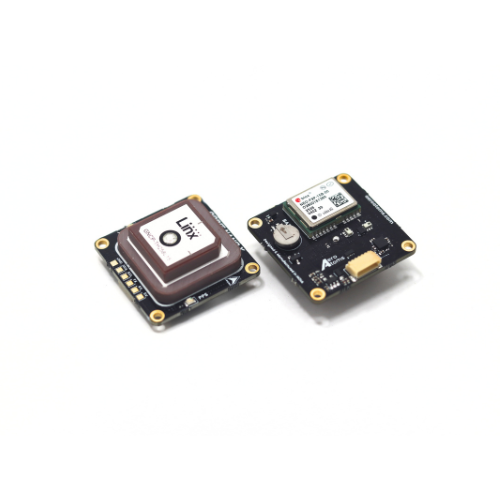
The AeroAtoms Orbit Nano is an ultra-compact RTK GNSS navigation module designed for ArduPilot-compatible vehicles. It integrates the u-blox NEO-F9P multi-band GNSS receiver and IST8310 magnetometer, delivering centimeter-level RTK positioning for multirotors, fixed-wing aircraft, VTOLs, and ground vehicles.
Orbit Nano supports concurrent reception of GPS, Galileo, BeiDou, NavIC, GLONASS, and QZSS constellations with L1/L5 dual-band operation. Integrated LNA and SAW filtering provide improved signal reception and interference rejection.
The module is available in both UART and DroneCAN variants.
Key Capabilities
Ultra-compact 28 × 28 mm form factor
u-blox NEO-F9P multi-band RTK GNSS receiver
Concurrent reception of GPS, Galileo, BeiDou, NavIC, GLONASS and QZSS
L1/L5 dual-band GNSS reception
Centimeter-level RTK positioning
Integrated IST8310 magnetometer
Integrated LNA + SAW filter
Available in UART and DroneCAN variants
Navigation update rate up to 10 Hz
Specifications
GNSS Receiver |
u-blox NEO-F9P-15B |
Intended Application |
RTK Precision Unmanned Systems Navigation |
GNSS Systems |
GPS, Galileo, BeiDou, NavIC, GLONASS, QZSS |
GNSS Bands |
L1C/A, L5, L1OF, E1B/C, E5a, B1C, B2a |
RTK Support |
Yes (Centimeter-level Accuracy) |
RTK Horizontal Accuracy |
0.01 m + 1 ppm CEP |
Horizontal Accuracy |
1.5 m CEP (without RTK) |
Signal Enhancement |
LNA + SAW Filter |
Magnetometer |
IST8310 |
Communication |
UART or DroneCAN |
Navigation Rate |
Up to 10 Hz |
Supply Voltage |
5 V |
Current Consumption |
<100 mA |
Dimensions |
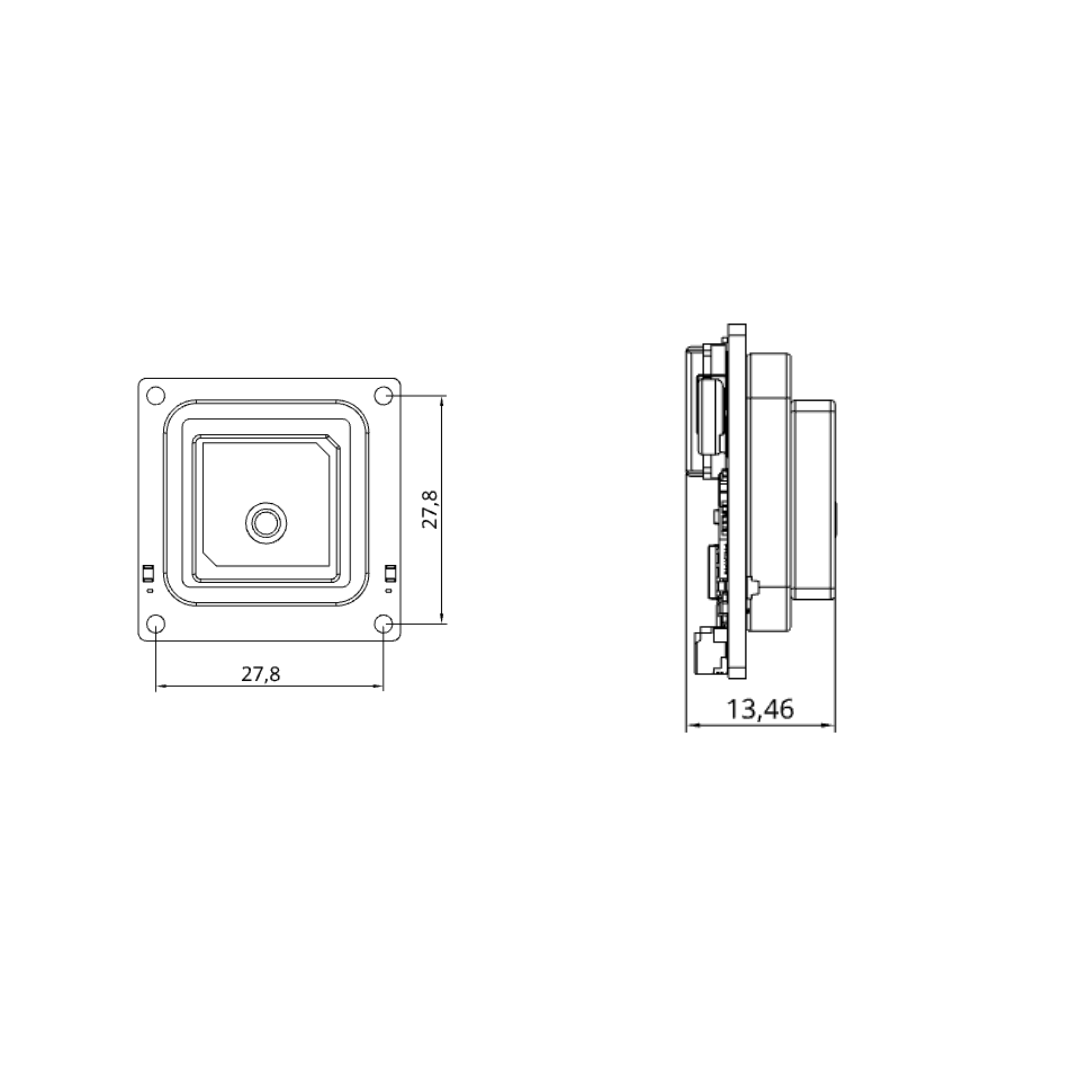
28 × 28 × 13.4 mm |
Weight |
23.2 g |
Dimensions
The mechanical dimensions of the AeroAtoms Orbit Nano are shown below.
Documentation
Complete documentation for the AeroAtoms Orbit Nano is available on the AeroAtoms documentation portal.
The documentation includes:
Product Overview
Specifications
Mechanical Dimensions
User Guide
RTK Rover Configuration
Firmware Updates
Official documentation: